

One card, more ways to go: tap your Compass Card to unlock Modo and Mobi services
One card, more ways to go: tap your Compass Card to unlock Modo and Mobi services
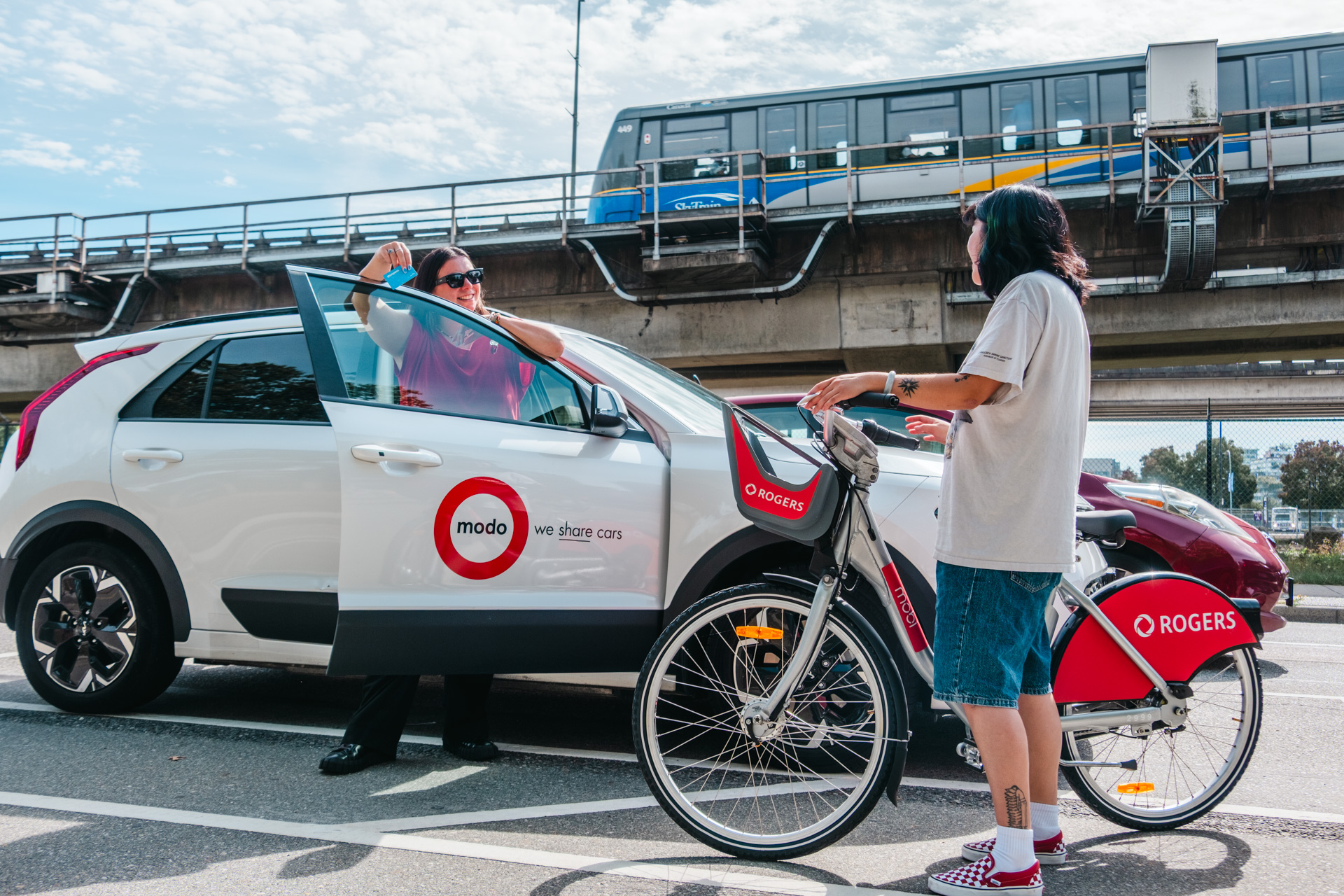
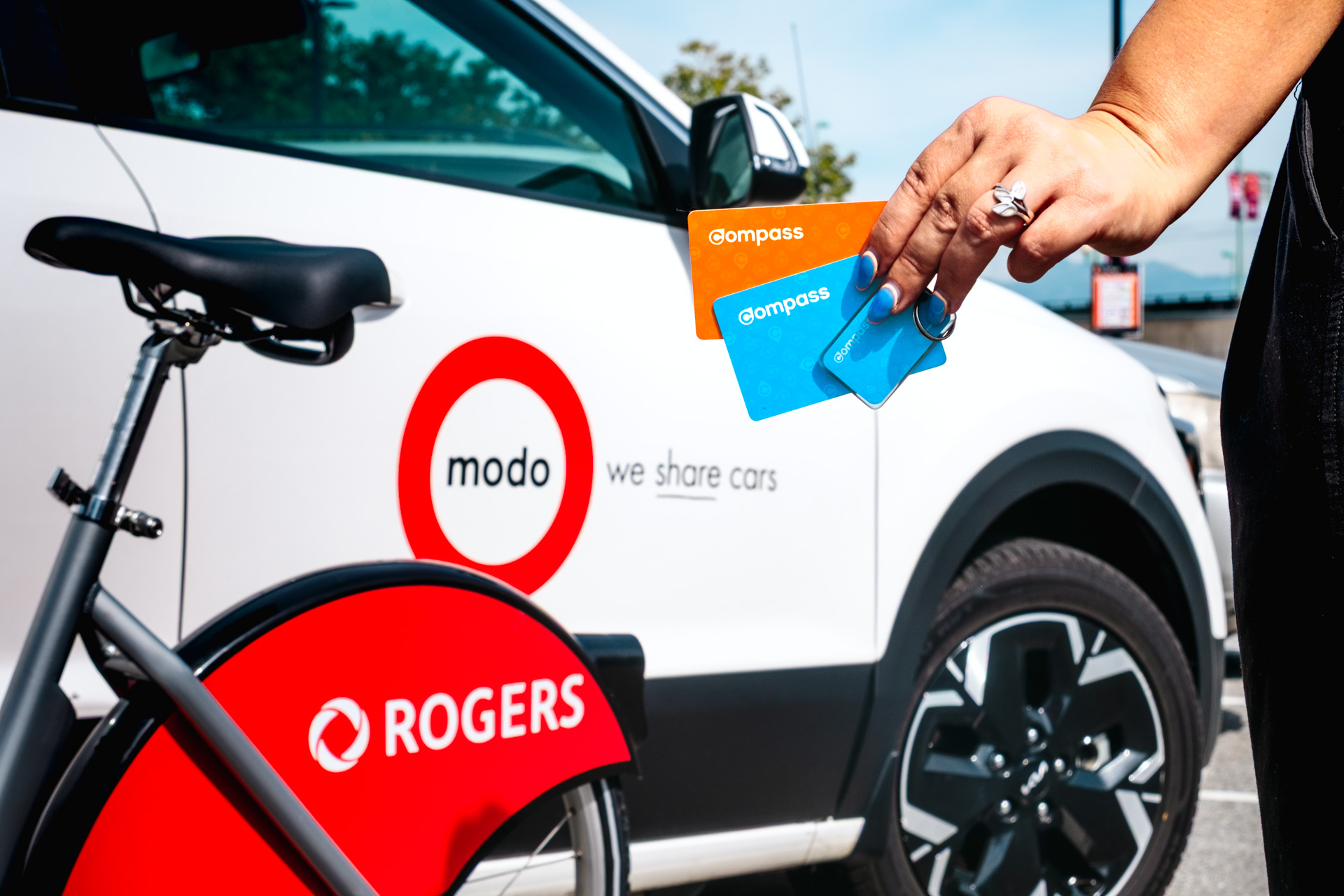
Navigating Metro Vancouver just got more seamless — your Compass Card can now be used to unlock shared cars and bikes.
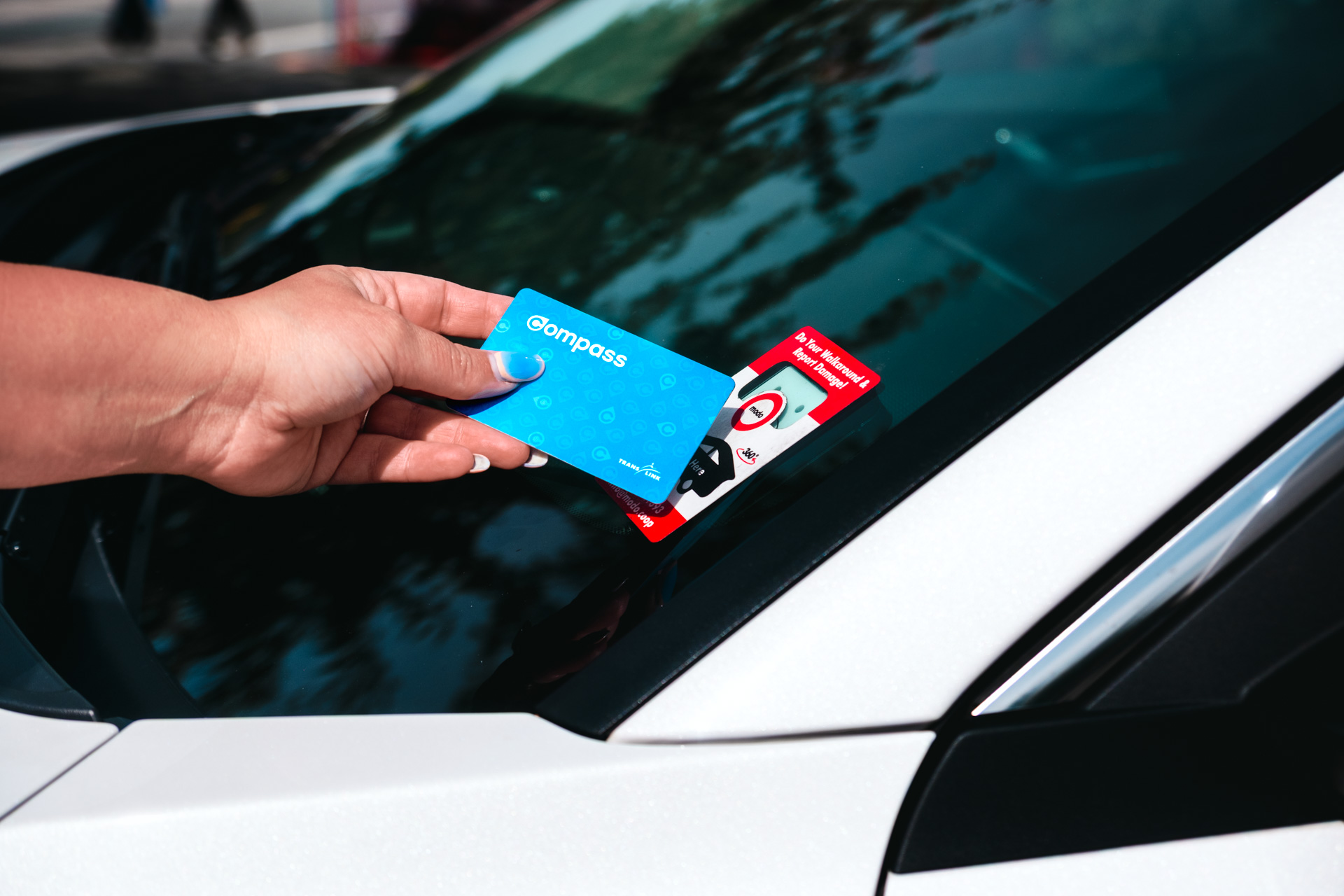
As part of a new collaboration between TransLink, Modo and Mobi by Rogers, customers can link their Compass Card to an existing Modo or Mobi by Rogers account. Once registered, the card can be used to access transit, shared cars and bikes.
That means one less fob to carry, one less pin to remember, and two more ways to get where you need to go.
The fine print: You must have an active Modo or Mobi by Rogers account, and your Compass Card must be registered or paired with that provider. Once registered, your Compass Card acts only as an access card — stored value and transit passes cannot be used to pay for Modo or Mobi by Rogers trips. Memberships, trip fees, billing, refunds, and account support remain with the applicable provider.
Getting started
Modo
- Become a Modo member or make sure your existing account is active.
- Add your Compass number in the Modo app (under the account screen).
- Add your Compass Card details to your account.
- Once registered, use the card to unlock Modo vehicles.
Heads up: Reach out to Modo Member Care with any issues at info@modo.coop
Mobi by Rogers
Before pairing your card, make sure you have an active Mobi by Rogers account and a seven-digit user code.
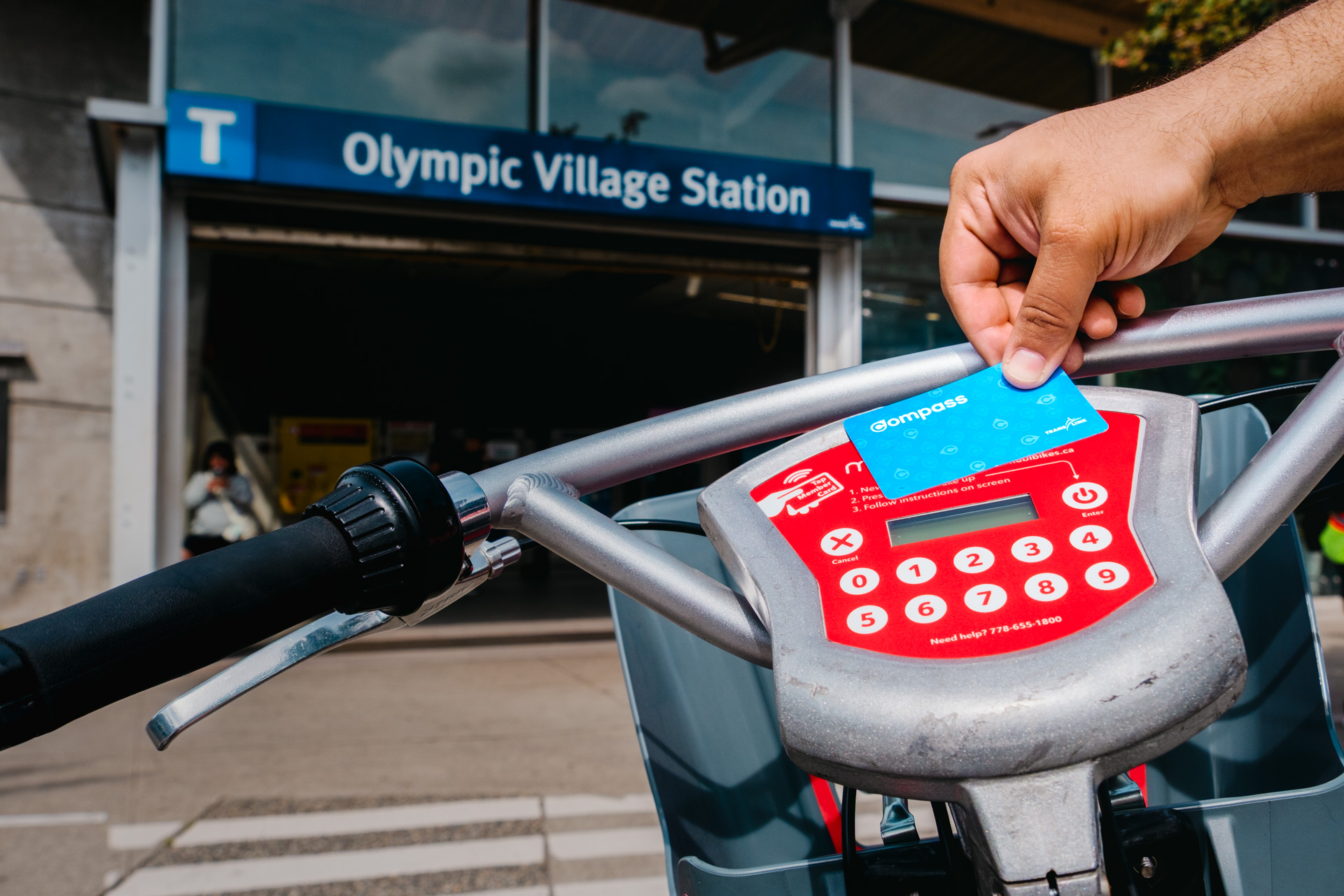
- Find a Mobi bike and press ENTER to wake the bike.
- Press 1 for “Scan Card.” Skip this step when pairing on an e-bike.
- Scan your Compass Card.
- Enter your four-digit PIN.
- Select YES when asked whether you have a user code.
- Enter the seven-digit user code and press ENTER.
- Scan the Compass Card again to finish pairing.
Heads-up: Once a Compass Card is paired with a Mobi by Rogers account, it becomes your main access method and replaces your seven-digit user code. You will still need your four-digit PIN to unlock a bike. If you want to switch back to a user code, contact Mobi by Rogers customer service.
Good to know
- Compass Cards and other Compass products, including Compass Minis and limited-edition cards, can be registered.
- A registered Compass Card can be used with bikes across the Mobi by Rogers system, including bikes at UBC,
- Mobi by Rogers bikes can also be found near Vancouver Community College Broadway Campus, and SFU Harbour Centre Campus.
- A registered Compass Card can unlock Modo vehicles across Modo’s system, including vehicles outside Metro Vancouver.
- Registering a Compass Card does not provide a discount or other financial benefit. Any separate offers from Modo or Mobi by Rogers are not part of this initiative
Need help?
Customers should contact Mobi by Rogers or Modo directly for registration, unlocking, membership, billing, or trip support issues.
Compass Customer Service cannot troubleshoot Modo by Rogers or Mobi issues or access.
If you lost your Compass Card or Compass product, contact Compass Customer Service for replacement and balance transfer. Contact Modo and/or Mobi by Rogers separately to register your new Compass Card to your existing accounts.
Contact information:
Modo
- 604-685-1393
Mobi by Rogers
- 778-655-1800
Compass Customer Service
- 604-398-2042
- Head to Waterfront Station at 54 – 601 West Cordova Street, Vancouver for in-person assistance Monday to Sunday, 6:30 a.m. to 11:30 p.m.